Workspace
Bring priorities and assigned work together so your next action has context.

LOKI Realestate · Featured solution
Manage relationships, properties, opportunities, outreach, and market intelligence from one connected workspace.
Inside LOKI Realestate
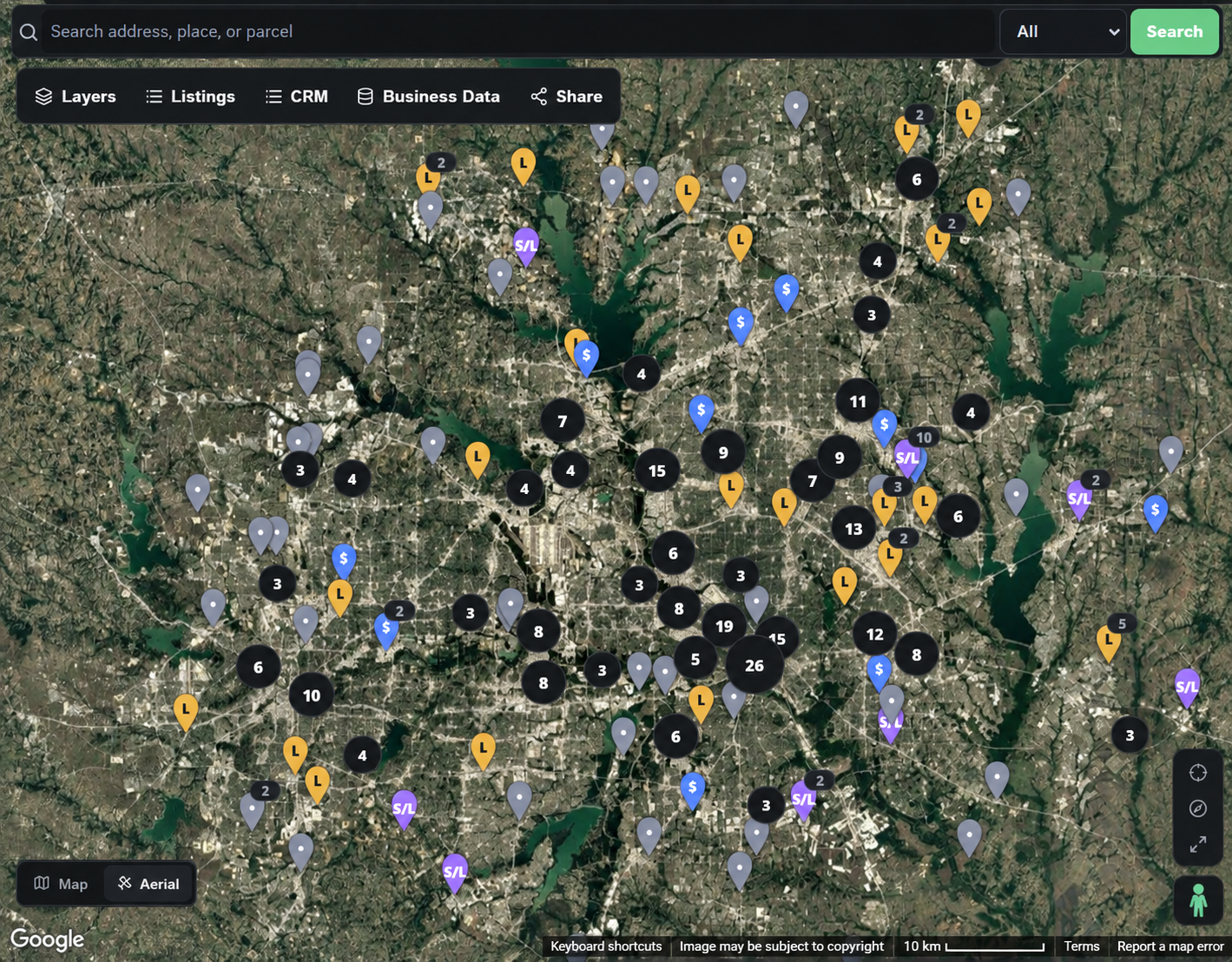
Bring locations, listings, and relationships into the same view.
Explore the workflow
Search an address or explore the map to put a location in its market context.
Use available listing, property, and parcel information to understand what deserves a closer look.
Bring the relevant opportunity into your workflow, connect a relationship, and record the next action.
Illustrated from a LOKI Map screenshot. Live search and records are available in your workspace.
Built around your work
Bring priorities and assigned work together so your next action has context.
Keep client requirements, pipeline stages, opportunities, and follow-up activities connected.
Maintain people and organizations in one directory and connect them to your client relationships.
Explore available property, parcel, and listing evidence alongside your client requirements. Coverage varies by source and market.
Organize audiences and prepare outreach drafts with relationship context. Sending depends on supported connections and account configuration.
Schedule activities and keep follow-ups connected to your CRM work.
Manage your company, team access, and supported connections from a shared control center.
One connected workflow
Review a contact, property, or listing and its available evidence.
Add the relevant client relationship or opportunity to CRM through an explicit action.
Prepare outreach, schedule follow-up, and record what you learn.
Review activity, update the pipeline, and keep the next step clear for your team.
Carry relationship history, property context, and follow-ups through your day without rebuilding the same record.
Coordinate shared opportunities while keeping company access and individual responsibilities clear.
Organize acquisition requirements and opportunity evidence. Discuss portfolio-specific operational needs with our Enterprise team.